CineSignal Writer
Write screenplays on your own computer.
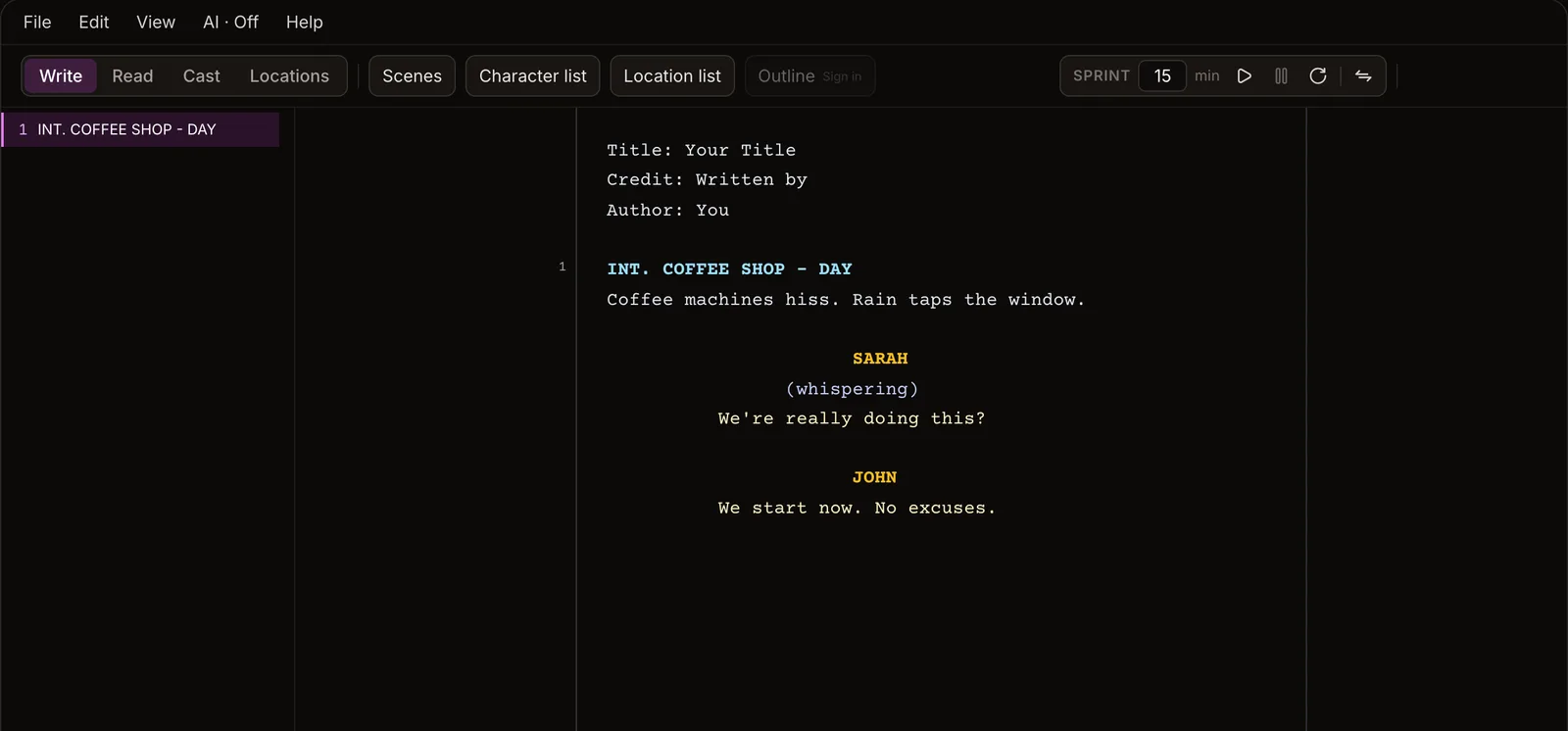
The CineSignal writer as a desktop app: Fountain, screenplay typing and page layout, PDF export. Works offline, with no account. Connect a free CineSignal account when you want sync, and never before.
The app runs on Mac, Windows and Linux. Copy this page's link and open it on your computer.
cinesignal.com/writer/download
Or see every platformVersion 0.2.6, November 19, 2026
Every platform
macOS (Apple Silicon)
Windows (64-bit)
Linux (x86_64)
Intel Macs: not yet; the app is built for Apple Silicon today. Windows builds are not signed yet, so SmartScreen asks once: choose More info, then Run anyway.
What's new in 0.2.6
- Changing your mind about a character line no longer capitalises the action you go back to. Starting a character with Tab and pressing Backspace up into the line above now returns you to plain typing there.
- Spell check knows more screenwriting words (V.O., O.S., P.O.V., MCU, VFX, walkie, greenscreen and more) and no longer flags names and places written in capitals, like EXT. HOLLYWOOD - NIGHT.
- Find and replace and the spelling popup match the rest of the writer, in every editor theme.
- When a file can't be opened or saved, the message now says why in plain words and what to do, instead of a system error.
How it fits with cinesignal.com
The desktop app and the free browser editor are the same writer. The app keeps your scripts as files on your disk, saves as you type, and never sends anything anywhere, except once a day asking releases.cinesignal.com whether there is a newer version (you can turn that off in About). Updates install from inside the app.
Published by null.tools (John Moeller), who also makes CineSignal. The macOS build is signed and notarized under that name. All releases.